 Design Duniya
Feature / WhatsApp
WhatsApp’s camera can now look both ways
A new button in WhatsApp’s camera turns on both cameras at once. The back camera fills the screen and your face sits in a small frame you can drag anywhere. It is in beta on Android.
By DD Desk
24 Nov 2026 · 3 min read
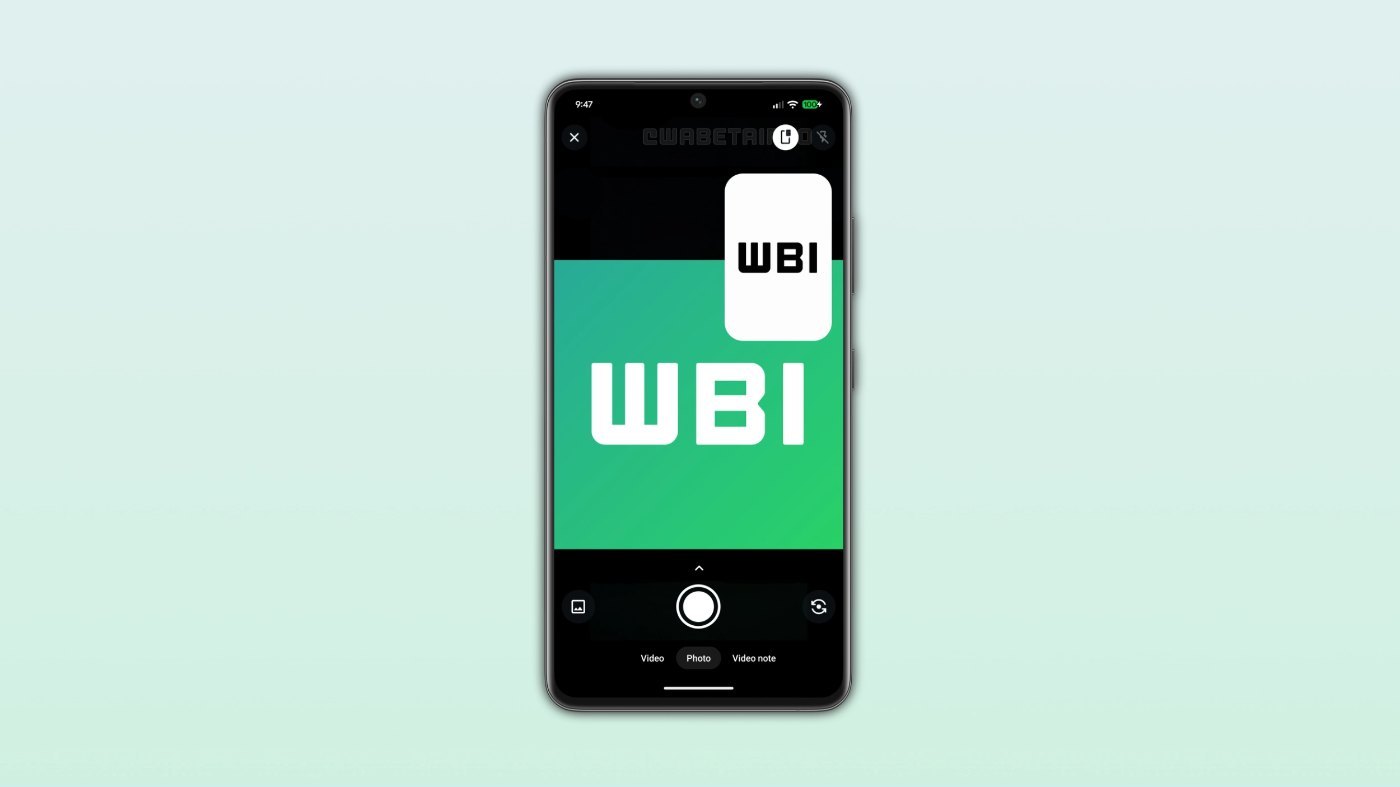
WhatsApp is rolling out a dual camera mode to some Android beta testers, WABetaInfo reported on 24 November (beta 2.26.46.9). A new button at the top of the in-app camera switches it on. The back camera fills the screen, the front camera shows up in a small rectangle, and the two are saved together as one photo or one video.
A frame you can move
The small frame starts in the top-right corner, but you can drag it anywhere, so your face doesn’t cover the thing you are trying to show. A rotate button swaps the two: your face goes full screen and the scene moves into the frame. After you shoot, the usual caption box and drawing tools work as before, and the result can go to a chat, a group, a channel or your Status.
One shot instead of two
Front-and-back photos are not new; other apps have offered them for years, often as a separate mode or a daily prompt. WhatsApp’s version is quieter. It is one button inside the camera people already open to send a photo, not a new feed or a new habit.
That suits how the camera gets used here: the view from a wedding stage, a cricket ground or a parcel that arrived damaged, with your reaction in the same picture, saves a second message. It is a beta feature for now and is reaching more testers over the coming weeks; WhatsApp has not said when everyone gets it.
What changed
WhatsApp is testing a dual camera mode on Android. One button at the top of the camera records from both cameras at once; the front view sits in a small frame you can drag or swap.
Why it works
- It is one button in the existing camera, not a separate mode.
- The frame can be dragged out of the way of what you are showing.
- One tap swaps which camera gets the big view.
Source
Reported by WABetaInfo, which also supplied the image. It is a beta feature on Android and is reaching more testers over the coming weeks.