 Design Duniya
News / Save8
Save8 wants a word before you check out
Bewakoof’s cofounder has launched an AI shopping assistant that compares prices, coupons and bank offers across more than 1,000 stores. The clever part is how you get to it.
By DD Desk
21 Nov 2026 · 2 min read
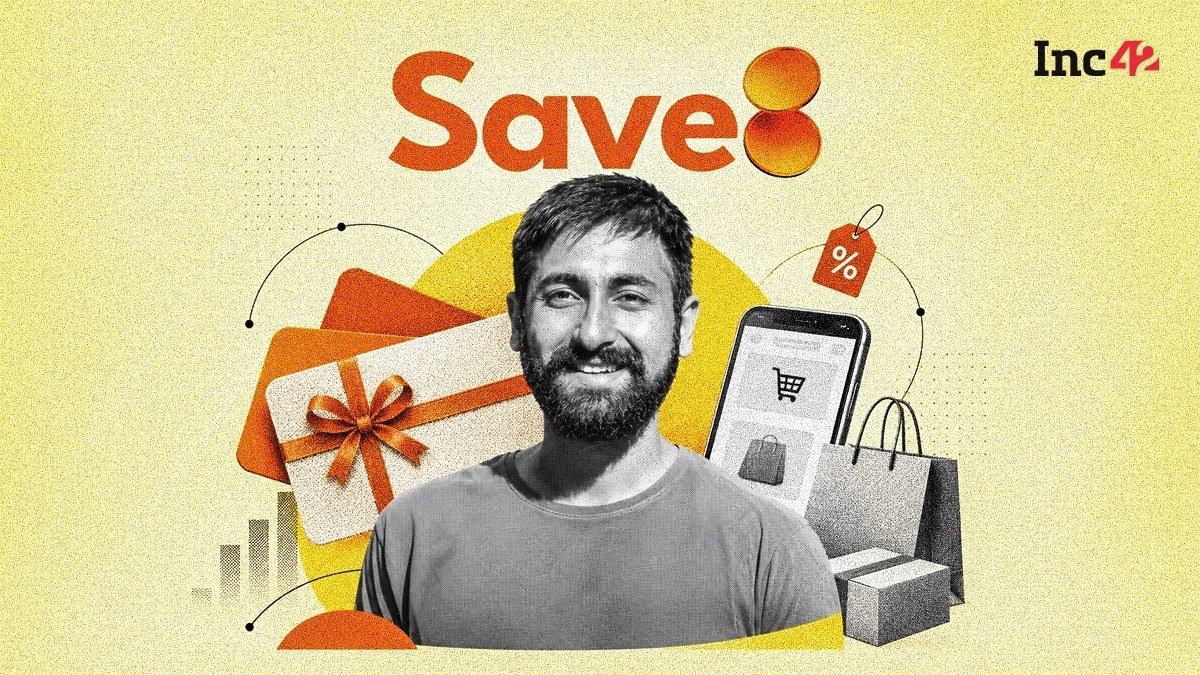
Prabhkiran Singh, who cofounded the fashion brand Bewakoof in 2012 and stepped down this year, has launched Save8, Inc42 reported on 21 November. Give it a product link and it checks the price at other stores, then stacks coupons, cashback, discounted gift cards and bank offers on top.
The stores it lists are the ones Indian shoppers already use: Amazon, Flipkart, Myntra, Zepto, Blinkit and Swiggy Instamart among them. Save8 says it covers more than 1,000.
Three doors in
There are three ways to start. Paste a link into the box on save8.ai. In a browser, type save8.ai/ in front of a product page’s address and press Enter. On a phone, tap Share in the shopping app and send the link to the Save8 app.
The second door is the interesting one. Putting a domain in front of a URL is a trick developers use to hand a page to another service. It needs no extension and no install, and it works at the exact moment you are about to buy. It is also easy to forget, which is why the homepage spells it out with a sample link.
What it won’t do
Save8’s Google Play listing says it shows bank and payment offers but doesn’t apply them for you. You still go to the store and pay there. The service runs under ThousandX Ventures LLP and also sells digital gift cards. Inc42 says Singh did not answer its questions about the business model or fundraising.
What changed
Save8, a new AI shopping assistant from Bewakoof cofounder Prabhkiran Singh, compares prices and stacks offers across Amazon, Flipkart, Myntra, Zepto, Blinkit, Instamart and other stores.
Why it works
- Adding save8.ai/ before a link works in any browser, with nothing to install.
- The phone’s Share menu turns any shopping app into an entry point.
- Coupons, cashback and bank offers sit together, so you compare the real price.